

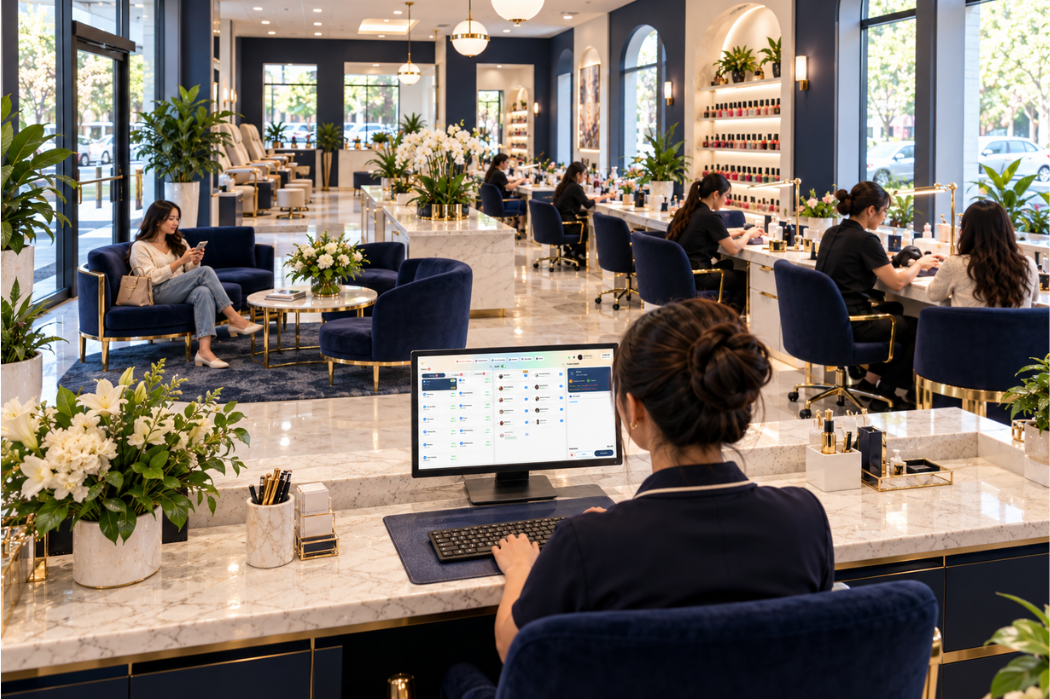
A nail salon turn system helps the front desk decide which technician should receive the next client. The salon sets rules for technician availability, service type, appointments, client requests, and how each turn is counted. Staff then use those rules to assign work and keep the turn order current.
A clear system makes decisions easier to explain during a busy shift. It also helps the team handle exceptions without relying on a different judgment each time. The right rules depend on how your salon operates; there is no single turn sequence that fits every service and appointment.
What Is a Nail Salon Turn System?
In a turn system, the next position in the rotation is only a starting point. A technician must also be available, able to perform the requested service, and eligible under the salon’s rules for appointments and client requests.
Salons may count one client as one turn or use a rule based on the service or its price. The team also needs to agree on when a turn is recorded: at assignment, when service begins, or at another defined point. Writing down these decisions helps the front desk apply the same rule throughout a shift.
How Does a Nail Salon Turn System Work?
The front desk first identifies technicians who can take the requested service. It then checks the salon’s turn order, considers any appointment or technician request, assigns the client, and updates the turn record according to the salon’s rules.
Identify Available Technicians
Start with each technician’s current status. A technician may be ready for a client, working on a service, on a break, or temporarily unavailable. Being next in the turn order does not necessarily mean the technician can start the client now.
The front desk also needs to consider timing. If a technician has an upcoming appointment, the salon should decide whether there is enough time to complete a walk-in service beforehand.
Match the Client’s Service and Technician Request
Next, check which technicians can perform the service. A client requesting a specific technician changes the assignment decision. So does an appointment already assigned to a technician.
For a walk-in who has no preference, the front desk can use the salon’s turn order among the eligible technicians. The salon should decide in advance whether requested clients and appointments count toward that technician’s turns.
Assign the Next Eligible Technician
Once the eligible group is clear, apply the salon’s chosen order. Staff should be able to explain why a technician received the client or why the next person in the general order was skipped.
For example, the next technician might be on a break or might not perform the requested service. Record the reason for the exception so the team can apply the same rule the next time it occurs.
Record and Update the Turn
Update the turn when the event specified by the salon’s policy occurs. A salon might record it at assignment, when service begins, or after the service is completed. Each choice needs a rule for cancellations and changes after assignment.
If a client adds a service or switches technicians, staff should update the record according to that same policy. Otherwise, the displayed order may no longer explain what happened during the shift.
Define What Counts as a Turn
A “turn” can mean different things across salons. Before using a turn board or a manual list, answer these questions:
| Decision | Rule your salon needs to define |
|---|---|
| When is a turn recorded? | At assignment, service start, or another defined point? |
| Which work counts? | Do appointments, walk-ins, requested clients, and add-on services count? |
| How are different services treated? | Is each client one turn, or does the salon use a service- or price-based rule? |
| What happens after a change? | How are cancellations, technician changes, and added services handled? |
| How is a missed turn handled? | Does a temporarily unavailable technician keep their place or move in the order? |
A turn count describes how work was assigned under the salon’s rules. It should not be treated as a technician’s commission calculation. If your salon uses service value or another measure in its turn policy, define that measure separately and explain it to the team.
Separate the Client Waitlist From Technician Turns

A client waitlist answers which client is waiting and what they need. A technician turn record answers which technician is eligible to receive work next under the salon’s rules. The two lists affect each other, but they serve different purposes.
Suppose the first waiting client requests a service that only one available technician performs. The front desk cannot assign that client solely by following the general technician order. It must consider the service requirement while continuing to manage the other waiting clients.
For a closer look at arrival order, wait estimates, and scheduled appointments, see our guide to managing nail salon walk-ins during busy hours.
Handle Appointments, Requests, and Other Exceptions
Exceptions are easier to manage when the rule is decided before the situation occurs.
| Situation | Rule to agree on in advance |
|---|---|
| A client has an appointment | Does the appointment count toward the assigned technician’s turn, and when is it recorded? |
| A client requests a technician | Does the requested service count as a turn for that technician? |
| The next technician is on a break | Does the technician keep their position, move to the end, or follow another defined rule? |
| A technician cannot perform the service | Who is eligible, and how is the skipped position handled? |
| A client cancels after assignment | Is the recorded turn reversed or retained? |
| A client changes or adds a service | Does the original turn stand, and does the change affect the assignment? |
Write the decisions in terms your front-desk staff and technicians can use during a shift. If the rule requires a manager’s judgment, specify when staff should ask for that decision and how to record it.
A Nail Salon Turn System Example
Consider a salon with three technicians: Maya, Linh, and Alex. This is a hypothetical example of how a salon might apply written turn rules. It does not represent Senverse’s software logic.
For this example, the salon uses these rules:
- Walk-ins without a technician request go to the next available technician who performs the requested service.
- A requested client counts as a turn for the selected technician.
- A technician on break is temporarily unavailable and keeps their place until they return.
- A turn is recorded when service begins. If the client leaves before service starts, no turn is recorded.
At the start of the example, the order is Maya, Linh, then Alex. All three technicians are available and can perform the services in this example.
| Event | Decision under these rules |
|---|---|
| A walk-in arrives without a technician request. | Maya is next and begins the service. Her turn is recorded when the service begins. |
| A second client specifically requests Alex. | Alex begins the requested service. It counts as his turn under the salon’s rule. |
| While Maya and Alex are still serving clients, Linh goes on break and a third walk-in arrives. | No eligible technician is available to start the service. The front desk explains the wait to the client. Linh keeps her position under the break rule; no turn is recorded for the waiting client. |
| Linh returns from her break, and the third client is still waiting. | Linh is next and begins the service. Her turn is recorded when the service begins. |
The useful part of this example is the decision trail. Staff can explain each assignment because the salon defined its treatment of requests, breaks, and service starts beforehand.
What to Look for in a Digital Turn Board
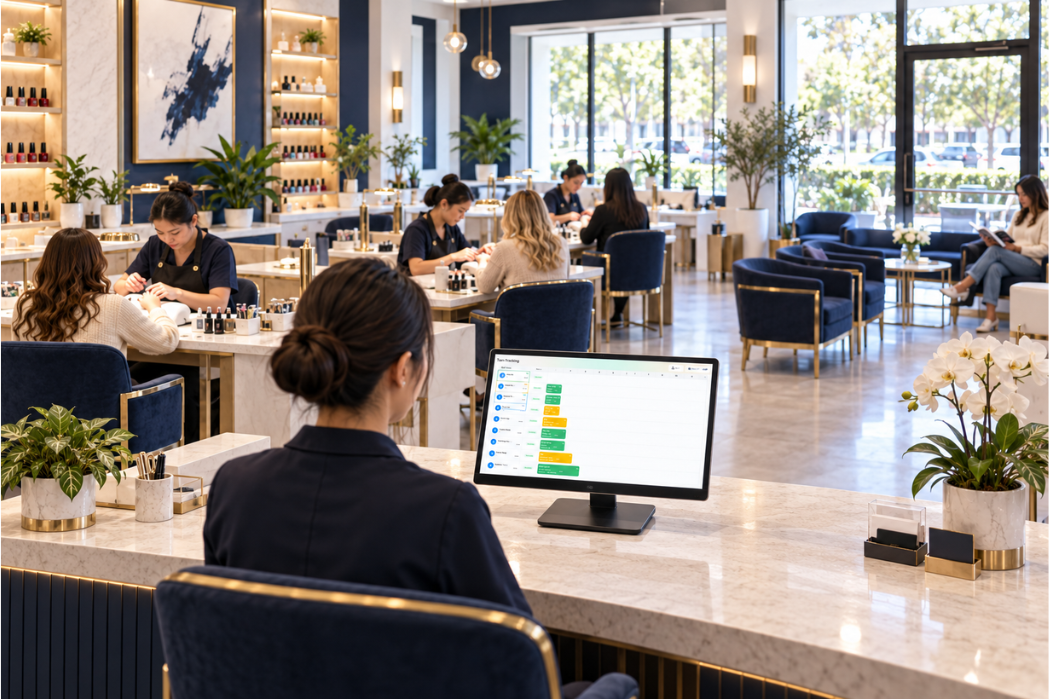
A digital turn board should help staff see the information needed to make and explain assignments. When evaluating one for your salon, walk through a real shift and check whether your team can:
- See which technicians are available and who is next under your chosen rules.
- Account for different services and technician requests.
- Handle both appointments and walk-ins.
- Adjust the record when a break, cancellation, or service change occurs.
- Review why an assignment or turn changed.
Use the questions above to test a turn board against your salon’s own rules. Senverse Smart Turn Management includes real-time turn tracking, a Turn Board, and turn settings based on services. It supports appointments and walk-ins, service- or price-based turn distribution, adjustments during service, and temporary absence or pause status.
Bring examples from a typical shift to a product walkthrough so the Senverse team can confirm how these options would be set up for your salon.
If you are reviewing the broader checkout and front-desk workflow, explore the Senverse POS System.
A Checklist for Setting Your Salon’s Turn Rules
Before introducing or changing your system, document the rules your staff will follow:
- Define when a technician becomes available for a new client.
- List which technicians perform each service.
- Choose how and when a turn is recorded.
- Decide how appointments and requested technicians affect turns.
- Set a rule for breaks and temporary absences.
- Define what happens when a client cancels, changes service, or switches technicians.
- Agree on who can correct a turn record and how staff explain the correction.
- Test the rules with a busy-hour scenario involving both appointments and walk-ins.
Review the rules with front-desk staff and technicians. If two people reach different assignment decisions from the same scenario, the policy needs more detail.
Discuss Your Salon’s Turn Workflow With Senverse
Bring your current turn rules, technician schedule, and a few difficult assignment examples to a Senverse demo. See how Smart Turn Management could fit your workflow as a Vietnamese nail salon owner in the US.
Book a Demo to discuss nail salon software built with Vietnamese salon owners in mind.