

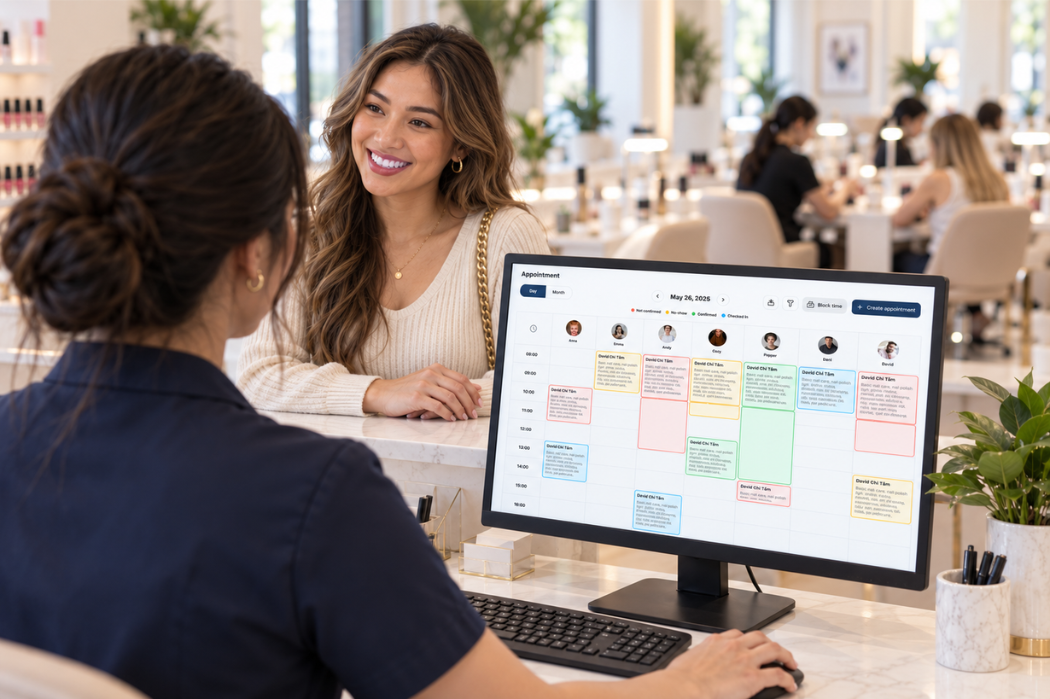
Booking appointments at a nail salon involves more than filling open time slots. Your team needs to account for the services a customer wants, how long each service takes, technician availability, and changes that come in by phone or at the front desk.
The right nail salon booking software should fit the way your salon handles those everyday decisions. This guide walks through the features to compare, real scheduling scenarios to test in a demo, and questions to ask before choosing a provider.
What Should Nail Salon Booking Software Help You Manage?
Nail salon booking software should help your team see which appointments are scheduled, who is available to provide each service, and where changes need attention. When comparing options, start with the work your front desk handles every day.
- Customer bookings and front-desk scheduling: Staff need a clear way to review appointment details, add bookings made by phone or in person, and update the schedule when a customer’s plans change.
- Technician schedules and availability: The booking process should account for working hours, existing appointments, and requests for a specific technician or any available technician. Ask each provider how these rules are set and maintained.
- Online booking and day-to-day appointment management: If customers can request or book appointments online, find out how those bookings appear alongside appointments entered by staff. Check what happens when an appointment is changed, canceled, or needs staff review.
Map these steps against your salon’s current process before a demo. That gives you a practical way to judge whether the software supports the decisions your team makes throughout the day. If you are also evaluating your broader front-desk setup, review the Senverse POS System for nail salons alongside your booking requirements.
Features to Compare in Nail Salon Booking Software
A feature list alone cannot show how well a booking system fits your salon. Ask each provider to demonstrate the following tasks using your services, staff schedules, and common appointment requests.
How Customers Select Services, Dates, and Times
Check whether customers can find the service they want and understand which appointment times are available. If your salon offers services that can be booked together, ask how the software presents those choices and calculates the time needed. Also confirm whether a booking is confirmed immediately or requires staff approval.
Technician Schedules and Availability
Find out how the system reflects each technician’s working hours, time off, and existing appointments. Test both a request for a specific technician and a request for any available technician. Ask who can update availability and how quickly a schedule change affects the times offered to customers.
Service Duration and Time Between Appointments
Different services may need different amounts of time. Check how durations are entered, whether they can vary by service or technician, and what happens when a customer selects multiple services. If your team needs time between appointments for preparation or cleanup, ask whether and how that time can be built into the schedule.
Appointment Confirmations, Rescheduling, and Cancellations
Follow an appointment from the initial request through confirmation and any later changes. Check what customers can change themselves, what staff must handle, and whether the original time slot becomes available to other customers after a rescheduling or cancellation. Ask how the system prevents staff from acting on an outdated appointment detail.
Booking Reminders and Customer Responses
Ask which reminder options are available, when messages can be sent, and whether messaging carries a separate charge. If customers can reply, find out where those responses appear and who is responsible for handling them. Reminders are one part of a broader plan for reducing nail salon no-shows.
Customer Information for Future Appointments
Consider what your front desk needs to recognize a returning customer and make the next booking accurately, such as contact details and appointment history. Ask what information the software stores, who can view or edit it, and how duplicate customer records are handled. Confirm which records can be exported if you change providers later.
Test the Software With Real Salon Scenarios
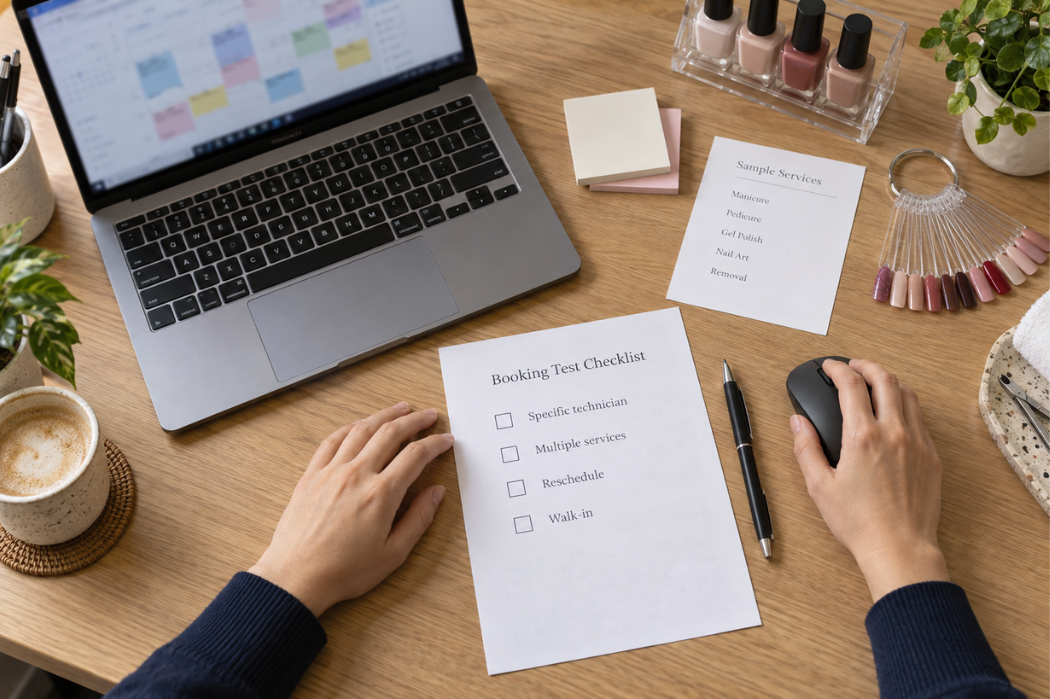
A booking demo is more useful when it follows the situations your front desk handles each week. Give every provider the same sample services, appointment lengths, and technician schedules. Then ask them to show each scenario from the initial request through the final schedule update.
- A customer requests a specific technician or accepts any available technician. Check which appointment times are offered in each case. If the requested technician is unavailable, ask what the customer and front desk see and how an alternative is selected.
- A customer books multiple services. Test whether the proposed time accounts for the full visit and the staff needed for each service. Ask what an employee must adjust if one part of the appointment changes.
- A customer arrives late or calls to change an appointment. Have the provider show how staff update the booking, check for conflicts, and communicate the revised details. Also ask what happens to the original time slot.
- A walk-in arrives when the schedule is nearly full. Ask the provider to show how staff review current appointments and technician availability before offering a time. Check how the walk-in is added without losing track of existing bookings.
Record any step the provider cannot demonstrate or that requires staff to work outside the system. These details will make it easier to compare how each option fits your salon’s workflow.
How to Compare Booking Workflows Across Providers
Use the same sample information in every demo so you can compare how each system handles the same work. Prepare a short list of services and their durations, a sample staff schedule, and the customer scenarios from the previous section. Ask each provider to complete the tasks while you watch, including any steps the front desk must take.
Record what you see rather than marking a feature as available based on a sales description alone. The table below can serve as a worksheet for each provider.
| Scenario | How the software handles it | Staff action required | Details to confirm |
|---|---|---|---|
| Customer requests a specific technician | Record the times shown and what happens when that technician is unavailable. | Note whether staff must review, approve, or change the booking. | Availability rules and alternatives offered |
| Customer accepts any available technician | Record how an available time and technician are selected. | Note whether staff must assign or reassign the technician. | Who controls the assignment and when it becomes final |
| Customer requests multiple services | Check how the system presents the visit and its total appointment time. | Note any manual adjustments to timing or staff assignments. | Service durations, order, and staff availability |
| Customer arrives late or changes an appointment | Watch how the booking and schedule are updated. | Record the steps needed to check conflicts and notify the customer. | Change permissions, customer messages, and the original time slot |
| Walk-in arrives when the schedule is nearly full | Check how staff can review open time and add the visit. | Record any steps needed to protect existing appointments. | Visibility of staff availability and scheduling conflicts |
After each demo, identify any unanswered questions and ask the provider to confirm them in writing. This makes it easier to compare the full booking process, including the work your team would still need to do.
Questions to Ask Before Choosing Booking Software

Before choosing a provider, ask for clear answers about how appointments are created, changed, and supported after setup. Use these questions alongside your demo notes:
- Which channels can customers and staff use to create or change appointments? Confirm what customers can do online and what your team can do at the front desk or when taking a phone call. Ask whether changes require approval and how everyone sees the updated appointment.
- Who controls availability, staff schedules, and booking rules? Find out who can change working hours, time off, service durations, and the times offered for booking. Ask how quickly those changes take effect.
- How are reminders, customer data, support, and related costs handled? Request details on message options and charges, access to customer records, staff permissions, support coverage, and any additional fees. Ask how you can export your information if you later switch providers.
- Can the provider demonstrate your salon’s scenarios using sample information? Bring a service list, sample staff schedules, and a few typical booking changes. Ask the provider to show each step, including any work your staff would need to complete manually.
Keep a written record of answers that affect your daily workflow or total cost. If a feature depends on a particular plan or paid add-on, have the provider identify that condition in the quote.
Preparing to Switch to New Booking Software
Once you have chosen a provider, plan how your salon will move from its current booking process. A clear transition plan helps staff keep track of upcoming appointments while they learn the new system.
- Identify the information that needs to move. List upcoming appointments, customer contact details, and any other records your team uses to manage bookings. Ask the provider which records can be imported and which may need to be entered manually.
- Set up services and schedules. Check service names, appointment durations, technician working hours, and time off before making booking times available to customers.
- Test the workflows with staff. Assign someone to check a new booking, a request for a specific technician, a rescheduled visit, and a cancellation. Give front-desk staff time to practice the steps they will handle each day.
- Confirm the provider’s migration support. Ask who prepares and imports the data, what file formats are accepted, what the provider will check, and whether setup or training costs extra. Agree on how your team will handle appointments received during the transition.
Before using the new process with customers, review a sample of upcoming appointments against your previous schedule. Resolve any missing details or duplicate bookings with the provider and the staff responsible for the calendar.
Discuss Your Salon’s Booking Needs With Senverse
Bring your service list, staff schedules, and common booking scenarios to a Senverse demo. Show the team how your salon handles requests for specific technicians, appointment changes, and walk-ins, then ask them to demonstrate which steps Senverse can support for your setup.