

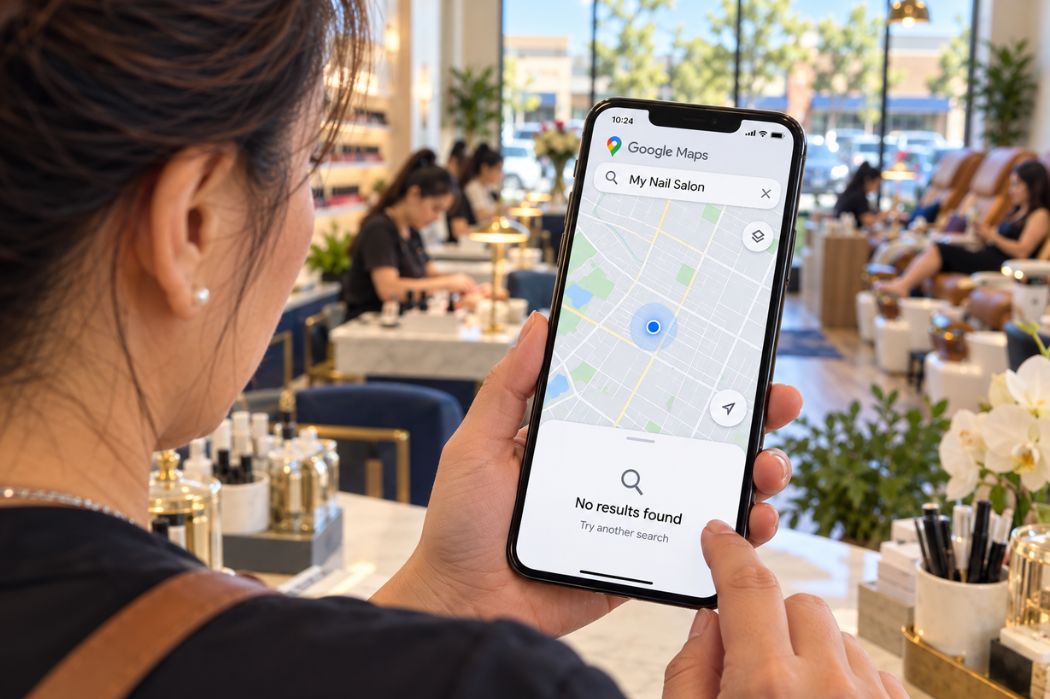
Your nail salon may not be showing on Google Maps because your Google Business Profile needs verification, has been suspended or disabled, or has recent updates that are still being processed. An old business name, incorrect address, or duplicate profile can also make your salon difficult to find.
Start by searching Google Maps for your salon’s exact business name and city, then check its street address. If customers can find your salon by name but not for “nail salon near me,” the issue may be local search ranking rather than a missing listing.
This guide helps you check your profile’s status, identify possible causes, and choose the right next step before making changes.
First, Check Whether Your Salon Is Missing or Hard to Find
Search for your exact salon name and address
Open Google Maps and search for your salon’s full business name and city. If you cannot identify the listing, search for its street address and any previous business name.
Check whether the result shows your current salon name, address, phone number, and website. Open the public listing separately from the management controls you see while signed in to confirm what customers can access.
Google’s instructions for finding your Business Profile explain how to locate a profile on Maps and Search.
If you find a listing but cannot manage it
First, check whether you are signed in to the Google Account used to manage the salon’s profile. If another owner, former employee, or service provider manages it, investigate the existing access before creating a new profile.
Follow Google’s ownership or access instructions for the existing listing. Finding a profile you cannot manage is an access issue; it does not mean your salon is missing from Google Maps.
If you cannot find an existing profile
Check the salon’s current name, previous name, and address before deciding that no profile exists. Also ask anyone who previously managed the salon’s online listings whether a profile was created.
If you confirm that the salon does not have a Business Profile, follow Google’s instructions to add and verify the business. If an existing profile appears during that process, review it before proceeding to avoid creating a duplicate.
Compare the result with a local service search
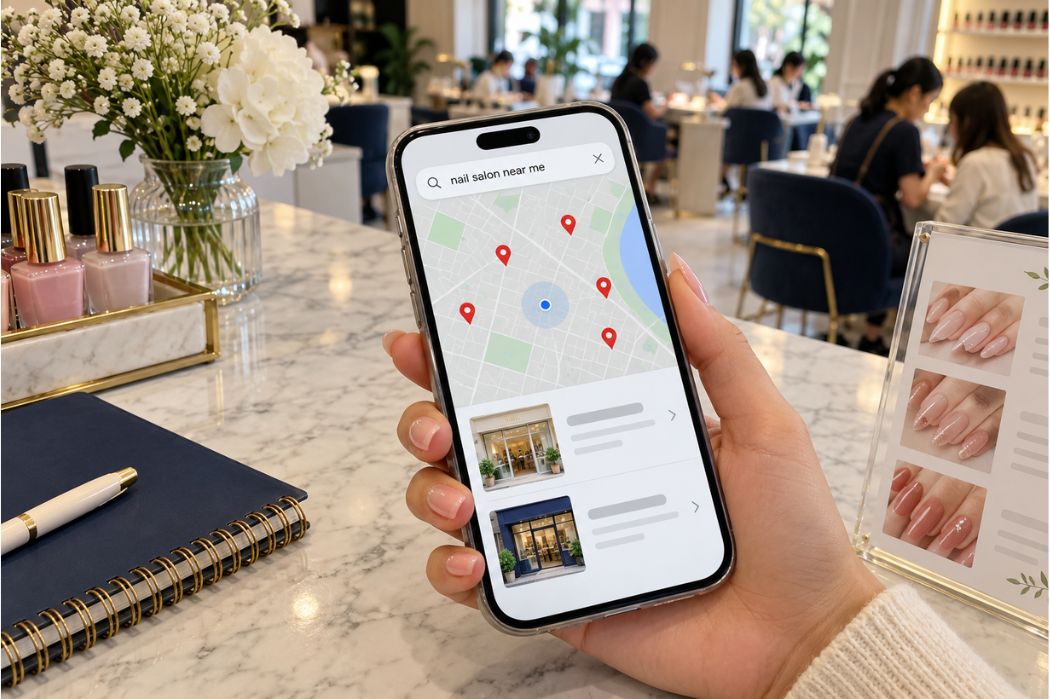
Next, search for “nail salon near me” or a service such as “pedicure” with your city name.
If your salon appears under its exact name but is difficult to find for these broader searches, the listing is publicly accessible. Continue with the local ranking checks later in this guide.
Record what you find before making changes
- The search phrase, date, and location used for the search.
- Whether the public listing appeared and its details were correct.
- Whether you can access the profile’s management controls.
- Any verification requests, restrictions, or pending edits.
For example: “The salon appears when searched by name and city, but I cannot access its management controls.” This identifies a specific issue to investigate before changing business information.
Why Your Nail Salon May Not Appear on Google Maps
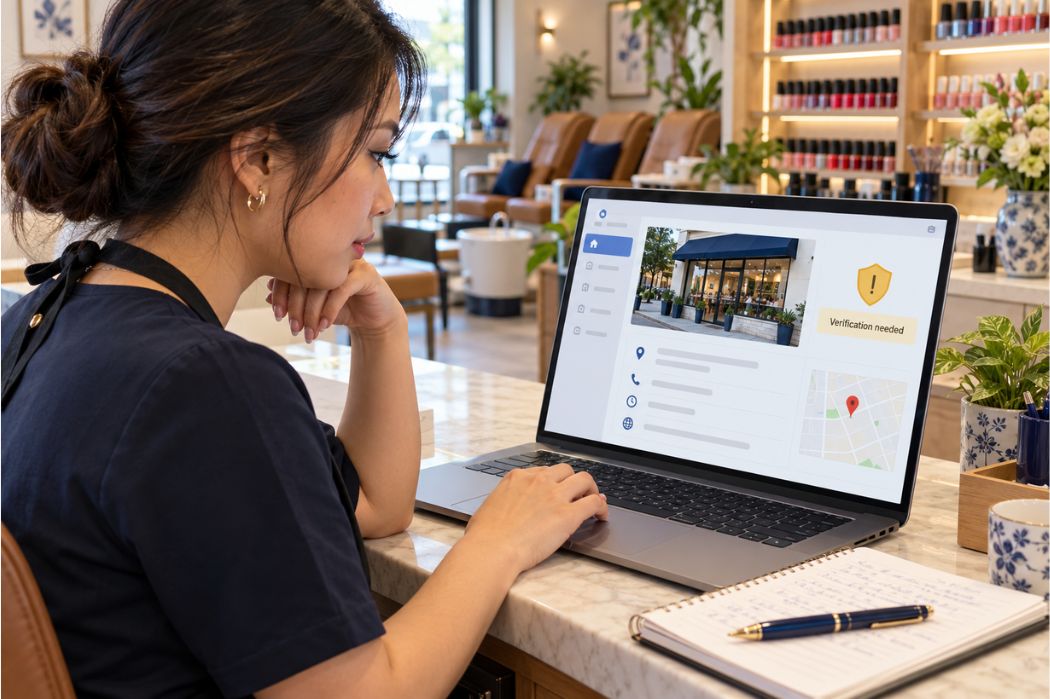
Your Google Business Profile needs verification
If your managing account shows an unfinished verification request, complete the steps Google provides for your salon. Check the current status before starting another verification attempt.
Use the verification options available in your account rather than assuming a particular method will be offered. Google lists verification among its recommended checks when a business is not appearing on Maps or Search.
See Google’s guidance for finding your business and checking verification.
Your profile has been suspended or disabled
A suspended or disabled profile may not appear publicly. Look for a notification in the Google Account associated with your salon’s Business Profile.
Read the stated issue, review the applicable guidelines, and correct any inaccurate or noncompliant information. Then follow the review or appeal instructions provided for your situation.
Creating a replacement profile does not resolve the restriction on the existing one. Start with the affected profile and the instructions in your account.
Recent changes have not appeared yet
If you recently updated your business name, address, or other details, the public listing may still show older information while the update is being processed.
Check the edit status in your managing account and compare it with the public listing. A pending edit alone does not establish why an entire profile is missing, so also check for verification requests or restrictions.
Keep the date and details of the submitted change. If the update remains unresolved, use Google’s available help options instead of repeatedly submitting the same edit.
Your salon appears under an old name or address
A move or rebrand can make an existing listing harder to recognize. Search for the former salon name and previous address, then compare the results with your current business details.
If the existing profile represents the same business, review Google’s instructions for updating it. Make sure the name reflects your real storefront branding and the address identifies the location customers can visit.
Do not mark a listing as closed or create a new one before confirming how the existing profile should be updated.
A duplicate profile may be causing confusion
Two listings for the same salon can split customer attention and make it unclear which information is current. Google’s guidelines generally require one profile per business and warn that multiple profiles can cause display problems.
Compare the listings’ addresses, phone numbers, reviews, and ownership access. If both represent the same salon, follow Google’s duplicate-profile guidance or seek support before removing or changing either listing.
Review Google’s guidelines for representing your business before making changes.
Why Your Salon Appears by Name but Not for Local Searches
If customers can open your salon’s listing by searching its exact name, the profile is publicly accessible. Limited visibility for searches such as “nail salon near me” or “pedicure in your city” calls for a local ranking review.
Google explains that local results are mainly based on relevance, distance, and popularity. These factors help determine which businesses appear for a particular search.
Relevance: Does your profile match the customer’s search?
Relevance describes how closely your Business Profile matches what someone is looking for. Complete and accurate information helps Google understand your salon and the services it offers.
Check whether your primary category describes your core business and whether your service information reflects your actual menu. For example, a customer looking for a pedicure should be able to confirm that your salon offers that service.
Use accurate descriptions in the appropriate fields. Do not add service keywords to your business name unless they are part of the salon’s real-world name.
Distance: How far is your salon from the search location?
Google considers how far a business is from the location used in a search. If the customer does not specify a location, Google uses the location information available to it.
This means a search from your home may show different results from a search near your salon. Record the search location when checking visibility, and keep your business address and map pin accurate.
A single search result does not show how your salon appears to every nearby customer.
Popularity: How well-known is your salon?
Popularity concerns how well-known a business is. Google identifies links to the business, review volume, and positive ratings among the signals that can help local ranking.
Review your salon’s online presence and make it easy for customers to leave honest feedback. Keep review requests neutral, without offering incentives or asking only satisfied customers.
These activities support an ongoing local visibility strategy. They do not guarantee a particular position in Google Maps.
Read Google’s explanation of local ranking factors for more detail.
If your profile is live but you need help identifying priorities, explore Senverse’s local SEO services for nail salons.
Check Your Salon’s Business Details Before Making Updates
Compare your public listing with your salon’s current operations. Identify the fields that are inaccurate so each update addresses a specific problem.
Match the business name to your storefront
Your profile name should reflect the name customers recognize on your storefront and other business materials. Remove added promotional phrases or service keywords that are not part of the actual business name.
If your salon recently rebranded, review the existing profile and Google’s instructions before changing its name or creating another listing.
Confirm the address, suite number, and map pin
Check that the address identifies the location customers can visit. Include the correct suite number where applicable, and inspect whether the map pin points to the salon’s actual location.
For a salon inside a shopping center, confirm that customers can distinguish your storefront from neighboring businesses. Keep the address fields accurate rather than adding marketing text or unrelated directions.
Review the category, services, phone number, and hours
- Primary category: Does it describe your salon’s core business?
- Services: Do the listed services reflect your current menu?
- Phone number: Can customers reach the correct salon location?
- Business hours: Do regular and special hours match when customers can visit?
- Website link: Does it open the correct salon website or location page?
Google’s business representation guidelines explain how to present your name, location, and categories accurately.
Check the website and booking destination
Open the website linked from your profile and compare its contact page and footer with your current business details. Look for an old address, outdated hours, or a phone number belonging to a previous location.
If your profile includes a booking link, follow it through to the appointment page. Confirm that customers can identify the correct salon and location before selecting a service.
Consistent, accurate information helps customers move from finding your salon to contacting, visiting, or booking with the right business.
Match the Problem to the Right Next Step
Use the findings from your checks to choose the next action. These observations help narrow down the issue; they do not confirm the cause on their own.
| What you find | What it may mean | Next step |
|---|---|---|
| Your account shows an unfinished verification request. | The profile needs verification or further verification steps. | Follow the current instructions shown in your managing account. |
| Your account shows a suspension or disabled-profile notice. | A profile restriction needs attention. | Review the notice, address the stated issue, and follow the applicable review or appeal process. |
| The public listing still shows old details after an edit. | The update may be pending or may require further action. | Check the edit status and any requests from Google before submitting the same change again. |
| You find the salon’s listing but cannot manage it. | You may be using a different account or lack access. | Check existing accounts and follow Google’s ownership or access process for that profile. |
| No profile is found after checking current and previous business details. | The salon may not have an existing profile. | Confirm with previous managers, then follow Google’s instructions to add and verify the business if needed. |
| Two profiles appear to represent the same salon. | There may be a duplicate listing. | Compare the records and follow duplicate-profile guidance before removing or changing either one. |
| The salon appears by name but has limited visibility for service searches. | The issue may involve local ranking. | Review relevance, search distance, and popularity using searches that matter to your salon. |
| The listing opens but contains incorrect business details. | Customers may be seeing outdated or inaccurate information. | Correct the affected fields through the existing profile and check their status afterward. |
Resolve the identified access, verification, or profile-status issue first. Once the listing is accessible and accurate, plan broader improvements to your salon’s local visibility.
Common Mistakes to Avoid
Creating a new profile before resolving the existing one
If your salon already has a profile, investigate its status and ownership before creating another. A new listing can introduce a duplicate without resolving the original access, verification, or suspension issue.
Search using both current and previous business details, especially if the salon has changed owners, moved, or rebranded.
Adding search keywords to your business name
Do not add phrases such as “best nail salon,” “cheap pedicure,” or city names unless they are part of your actual business name. Use the appropriate category, service, and address fields to describe what you offer and where you operate.
Google’s business representation guidelines require accurate naming and warn that unnecessary information in the name can lead to suspension.
Making unrelated edits to fix a visibility problem
Changing your name, address, categories, and services at once can make it harder to track what happened. Identify the inaccurate information or requested action first, then make the corrections needed.
Keep a record of submitted changes and their status so you can explain the issue clearly if further support is required.
Judging visibility from one search
Your salon’s position can vary with the search phrase and the customer’s location. Checking once from your own phone does not establish how the salon appears across your area.
Compare a small, consistent set of relevant searches and record where each check was made. Separate searches for your salon’s name from broader service searches.
Expecting verification to guarantee a top position
Verification does not guarantee that your salon will appear first for local searches. Google states that businesses cannot request or pay for a better local ranking.
Once your profile is accessible and accurate, use Google’s local ranking guidance to plan ongoing improvements without expecting a guaranteed position.
When to Contact Google Support or Get Local SEO Help
Contact Google for unresolved access, verification, or profile restrictions
If you cannot access the existing profile, complete verification, or resolve a suspension through the instructions provided, use the applicable Google Business Profile help or appeal process.
Prepare the following information so you can explain the issue clearly:
- Your salon’s current business name and address.
- The public Google Maps listing link, if available.
- The exact notification or status message shown in your account.
- Relevant dates, including recent edits or verification attempts.
- Any existing support case reference.
Provide documents or other sensitive evidence only through the appropriate Google support process. Never share your account password or verification codes with someone offering to fix the listing.
Start with Google’s Business Profile troubleshooting guidance and follow the help options that match your issue.
Get a local SEO review when the listing is accessible but hard to find
If customers can open the correct listing but your salon has limited visibility for relevant service searches, a local SEO review can help identify priorities.
The review should examine your profile’s categories and business details, website content, reviews, and other business listings. It should also consider the search terms and locations used to assess visibility.
Ask for recommendations tied to specific findings, with a clear explanation of what will be updated and how progress will be measured. Be cautious of promises to guarantee the first position on Google Maps.
Get Help Reviewing Your Nail Salon’s Local Visibility
If you are unsure why customers are struggling to find your salon on Google Maps, start with a review of your current profile and search results.
Senverse Local Boost helps nail salons with Google Business Profile optimization, local keyword strategy, business listings, review management, and reporting. The process begins by reviewing your salon’s local presence and identifying priorities.
Share your profile link, the searches you checked, and any issues you found so the discussion can focus on your salon’s situation.