

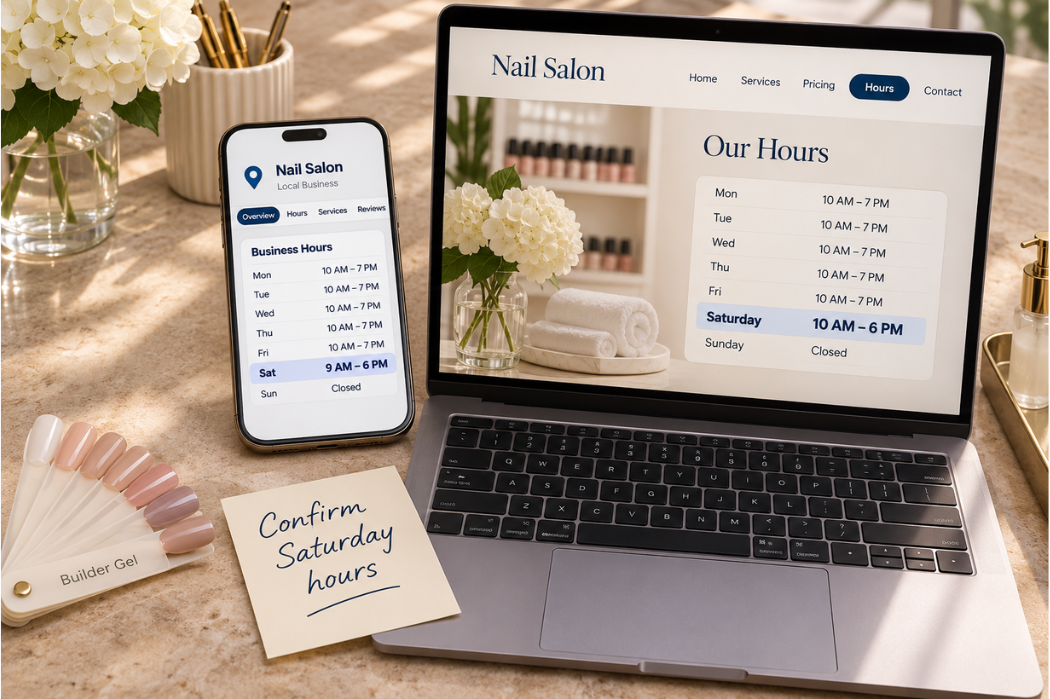
This Senverse Local Boost walkthrough shows how Senverse’s SEO Maps process works through a hypothetical nail salon example. The salon has two issues: its Saturday hours differ between Google Maps and its website, and its Google Business Profile doesn’t list builder gel. Follow the example from the initial audit through the updates and the report review.
A customer looking for a Saturday builder gel appointment needs to know whether the salon offers the service and when it’s open. If Google Maps and the salon’s website show different hours, and the profile doesn’t list builder gel, the customer may have to call before deciding whether to book.
What Senverse Local Boost Checks First
Senverse’s SEO Maps process has seven steps: audit, keyword research, profile optimization, content development, review management, business listings, and monitoring and growth. The example below shows how a nail salon can use the audit findings to prioritize updates and use its monthly report to decide what to check next.
For this salon, the first checks are which Saturday hours are correct and how customers can book builder gel. Senverse compares the Google Business Profile with the salon’s website and confirms the details with the owner before prioritizing updates. For the full scope of the service, see the Senverse Local Boost page.
Step 1 — Audit Your Salon’s Local Presence
Review Your Google Business Profile and Business Listings
Start with what a customer sees when they look up the salon. Check the business name, address, phone number, hours, categories, services, and photos. Compare those details with the salon’s website and relevant business listings. A mismatch matters when it affects a customer’s next step, such as deciding whether to drive over or which service to book.
In the example, Google Maps and the website show different Saturday hours. Ask the owner which hours the salon currently keeps before changing either listing. Then confirm how the salon describes builder gel on its service menu and how a new guest should book it. Those details determine what to put on the profile.
Research How Nearby Customers Search for Nail Services
Senverse’s keyword research looks at “near me” searches, service keywords, and ZIP code terms. For the example salon, this means checking whether nearby customers search for builder gel by name and using a clear service name on its Google Business Profile and website menu.
Review Local Competitors and Set Priorities
As part of the initial audit, Senverse reviews nearby competitors and the salon’s current local rankings to help identify which updates to prioritize. One useful comparison is how easily a prospective customer can find each salon’s hours and service descriptions before deciding where to book.
For the example salon, correcting Saturday hours comes first because customers may plan a visit around them. Adding builder gel comes next because it answers a service question before booking. That gives the salon two specific tasks it can verify once the changes are live.
Step 2 — Update Your Profile and Keep Listings Consistent
Update Categories, Services, Hours, and Photos
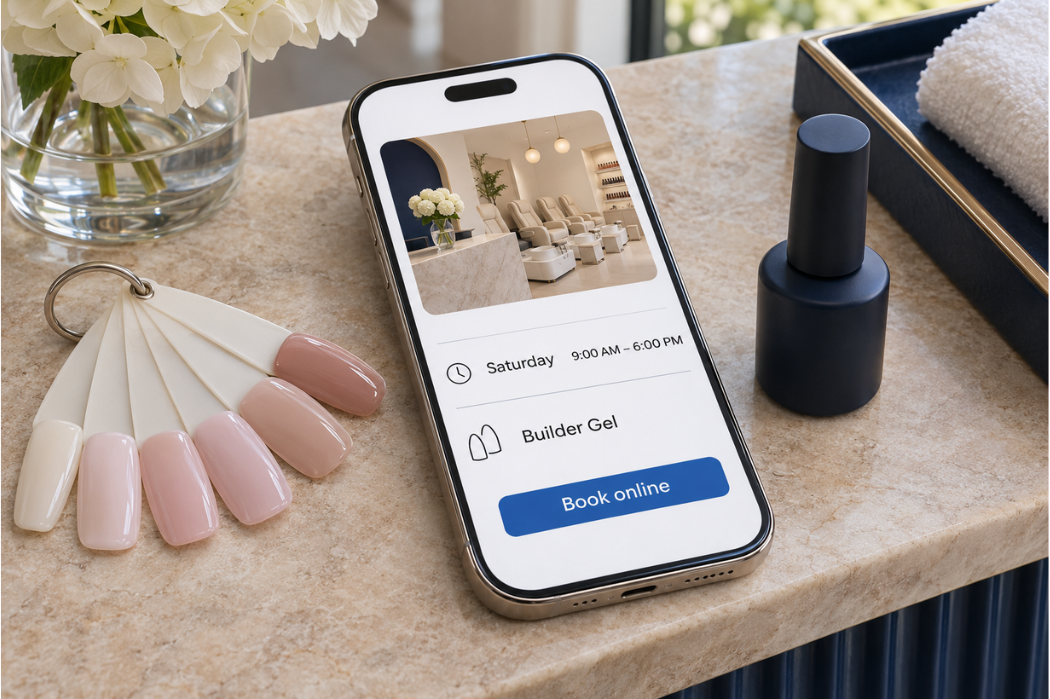
Use the verified information to make the profile reflect how the salon operates. Categories should describe the business accurately. Services should use names customers can recognize, and photos should represent the salon or the work it actually offers.
For the example salon, that means updating Saturday hours, adding builder gel as a service, and checking the website from a phone. If a customer taps through from Google, they should be able to find the same hours, see the service on the menu, and understand how to book it.
Maintain Business Listings, Posts, and Reviews
Senverse’s SEO Maps process includes publishing Google Posts, updating photos, developing a review strategy, and maintaining business listings such as Yelp and Apple Maps. For the example salon, ongoing maintenance includes checking that Saturday hours and builder gel details stay current on its Google Business Profile, website, and relevant listings.
For example, when Saturday hours change for a holiday, the salon can review which customer-facing pages and listings need the update. If guests regularly ask what builder gel appointments include, the salon can use that question to improve its service description or plan a Google Post.
Step 3 — Read the Report and Choose the Next Action
Understand Rankings, Call Clicks, Direction Requests, and Website Clicks
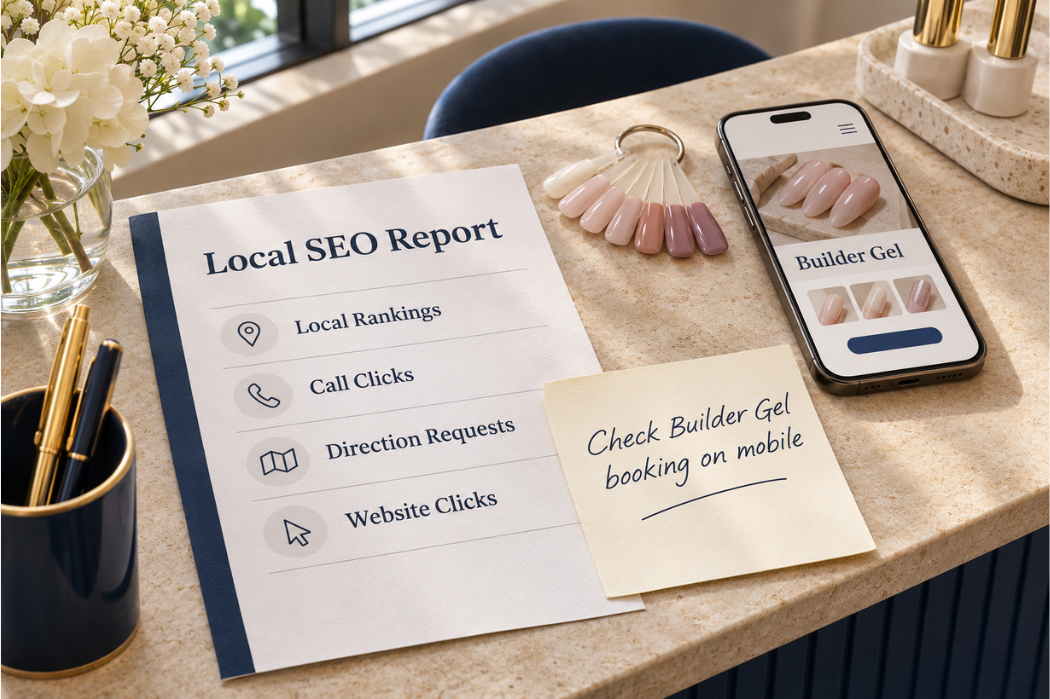
Senverse’s SEO Maps process includes monthly reporting. This example focuses on four metrics: local rankings, call clicks, direction requests, and website clicks. Local rankings show where the salon appeared for the searches being tracked. The other three metrics show how people interacted with its Google Business Profile.
| What the report tracks | What it helps you understand |
|---|---|
| Local rankings | Where the salon appeared for the local searches being tracked. |
| Call clicks | The number of times people clicked the call button on your Google Business Profile. Use separate call data to see how many calls connected. |
| Direction requests | How often people asked Google for directions to the salon. |
| Website clicks | How often people clicked the website link on the profile. |
Google defines the profile metrics for call clicks, direction requests, and website clicks in its guide to Business Profile performance. To understand whether those actions led to appointments, compare them with the salon’s own booking records or other available tracking.
Turn the Findings Into a Follow-Up Task
Suppose the salon’s monthly report shows website clicks while the front desk still gets calls asking whether the salon offers builder gel. Start by opening the website link from the Google Business Profile on a phone. Check whether customers can find builder gel on the service menu and see how to book it. If either detail is hard to find, update the page and repeat the check on mobile.
| Audit finding | First update | What to check afterward |
|---|---|---|
| Saturday hours differ between Google Maps and the salon’s website. | Confirm the correct Saturday hours with the owner and update any page or listing that shows the wrong hours. | Check Google Maps and the salon’s website on a phone. Both should show the confirmed Saturday hours. |
| Builder gel is missing from the Google Business Profile. | Add builder gel to the profile and confirm that the salon’s website menu lists it under the same service name. | On a phone, confirm builder gel appears on the profile. Then tap the website link and check that you can find the service on the menu and see how to book it. |
If you’re comparing local SEO providers, ask for an example of how a report finding led to a specific follow-up task, such as checking whether customers can find and book builder gel on mobile. Our guide on how to choose a nail salon SEO service explains what to ask about the scope of work, monthly reporting, and account ownership.
Discuss Your Salon’s Local SEO Priorities
When you request a consultation, include a link to your Google Business Profile, your salon’s city or ZIP code, and one issue you’d like to address. For example, tell us if Google Maps and your website show different hours, or if customers keep calling to ask about a service you already offer. We can use that example as a starting point for the conversation.